
Ready to Save Hours and Book More Tattoos?
Try Tiny Parrot Free for 14 Days
Try Tiny Parrot Free for 14 Days
Tiny Parrot offers three subscription plans: Solo, Studio, and Pro — each with its own set of features and benefits.
If you need multi-artist functionality, we recommend subscribing to either the Studio or Pro plan.
👉 View pricing plans
If you've already registered, you likely selected one of the three plans. This tutorial will guide you on how to change your plan in case you'd like to try a different one.
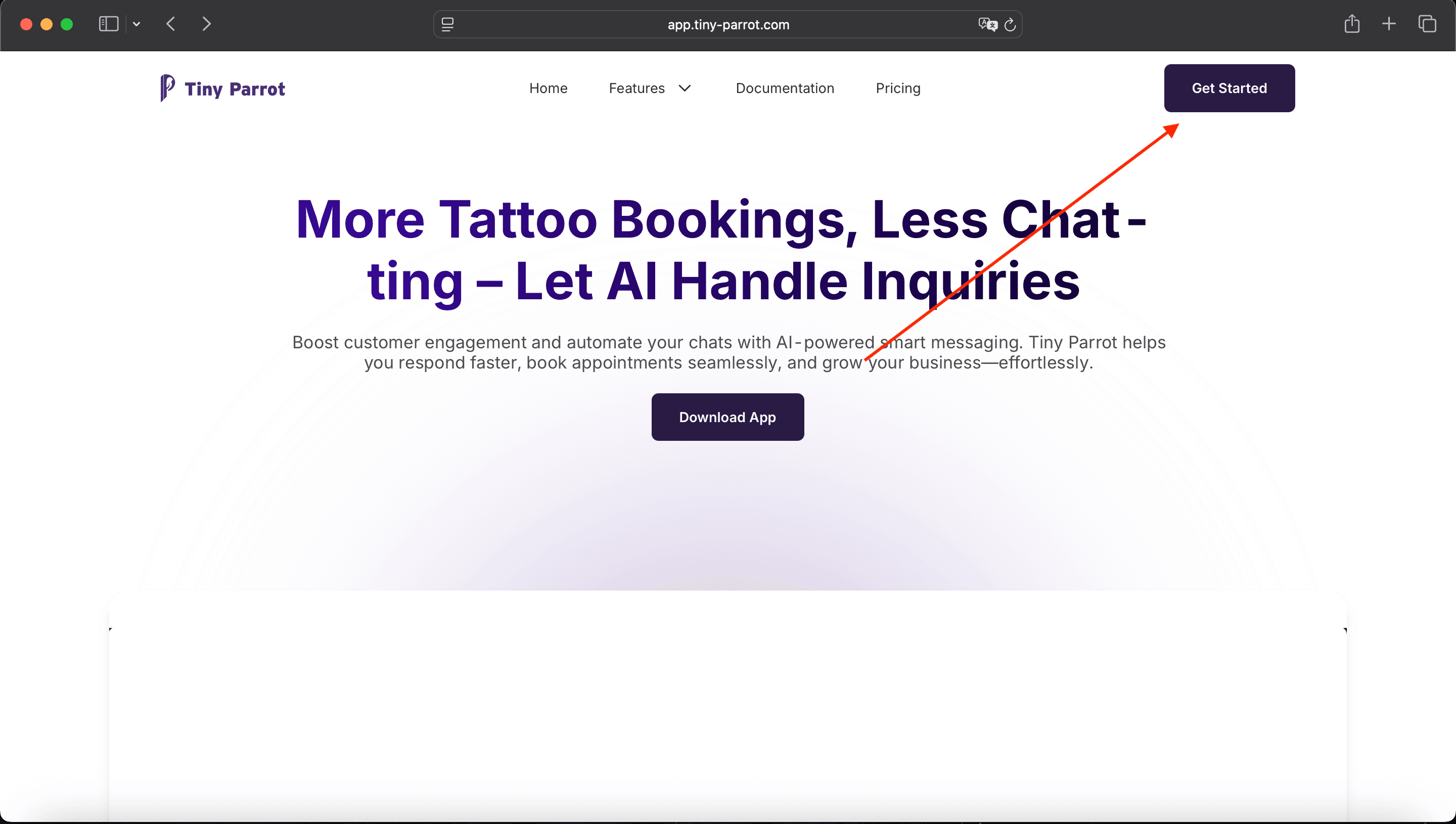
Visit the official Tiny Parrot website:
👉 https://app.tiny-parrot.com
Click the Get Started button on the top-right corner.
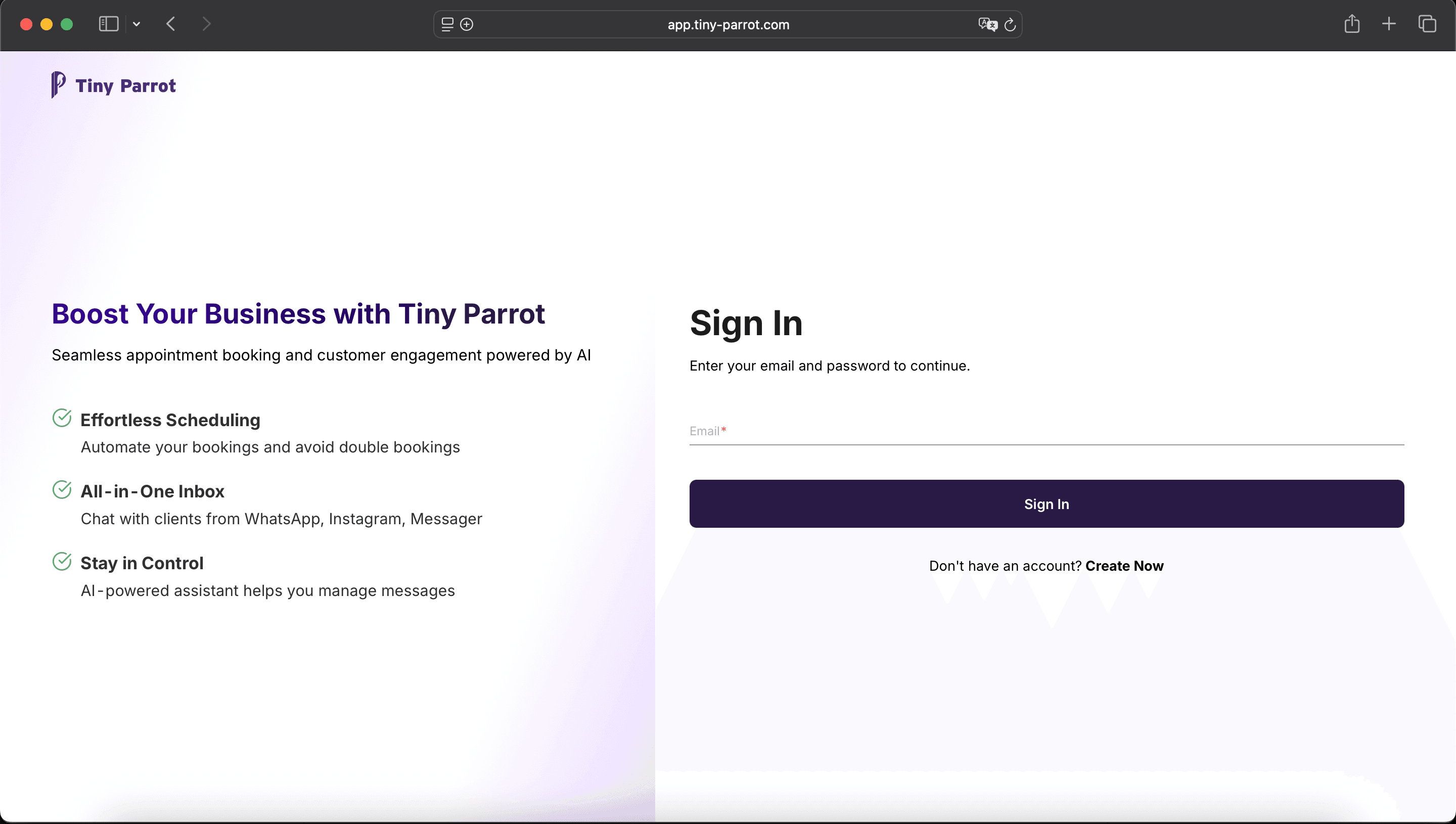
Enter your registered email address, then click Sign In.
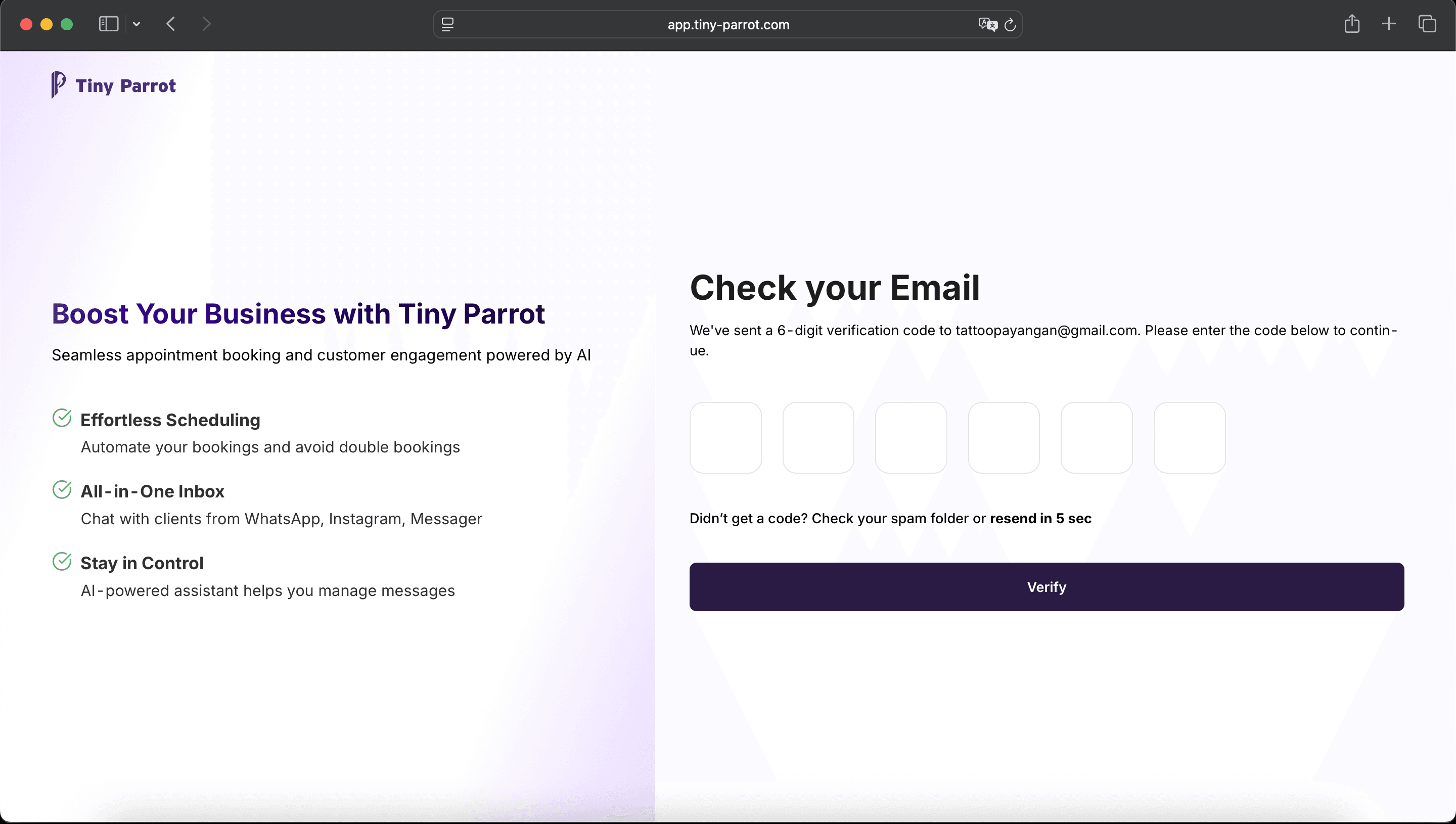
You’ll be redirected to the OTP verification screen.
Enter the OTP you received via email and click Verify.
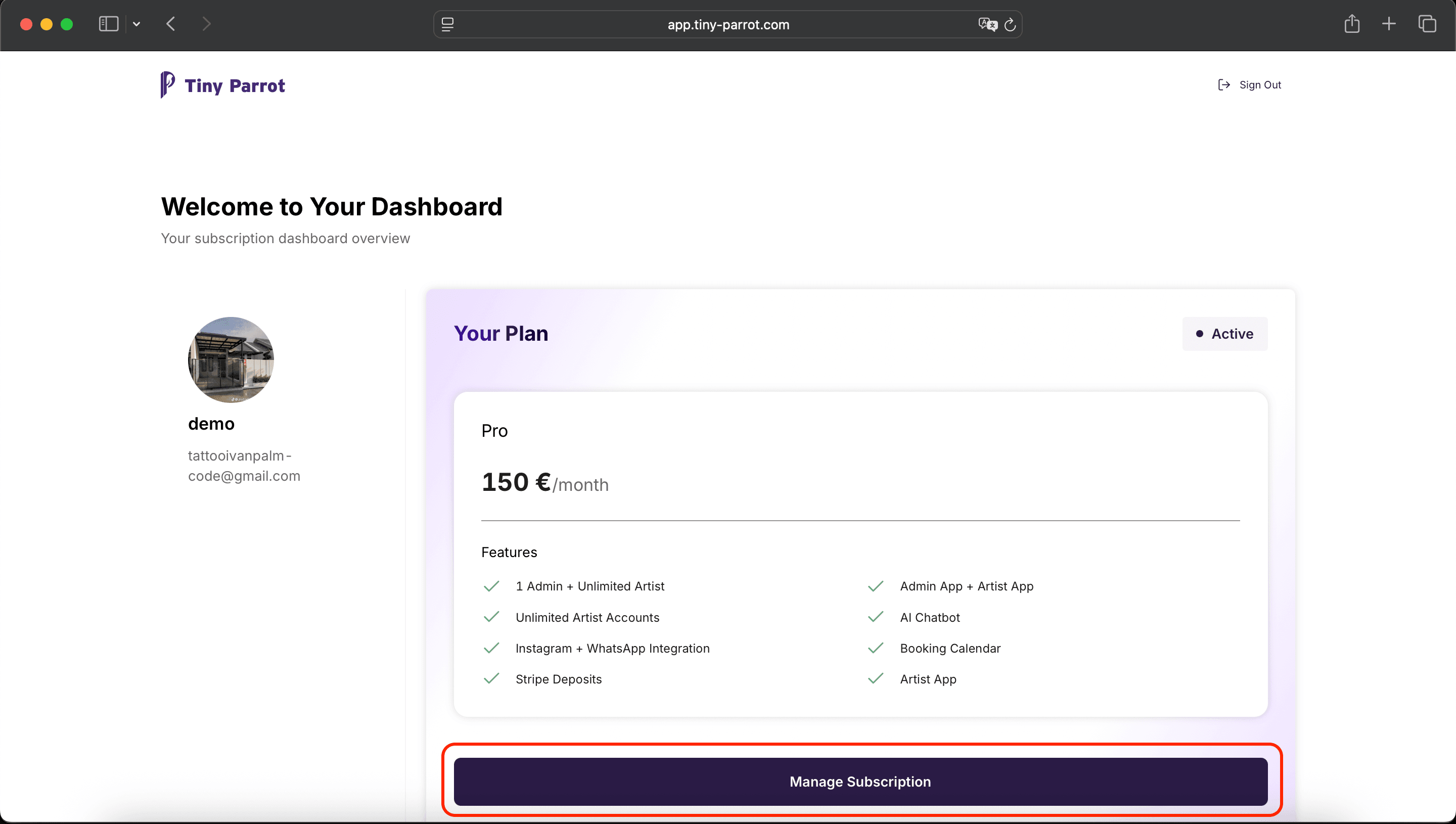
Once you’re logged in, you’ll see the Dashboard.
Here, you can view your current subscription plan.
To make changes, scroll down and click the Manage Subscription button.
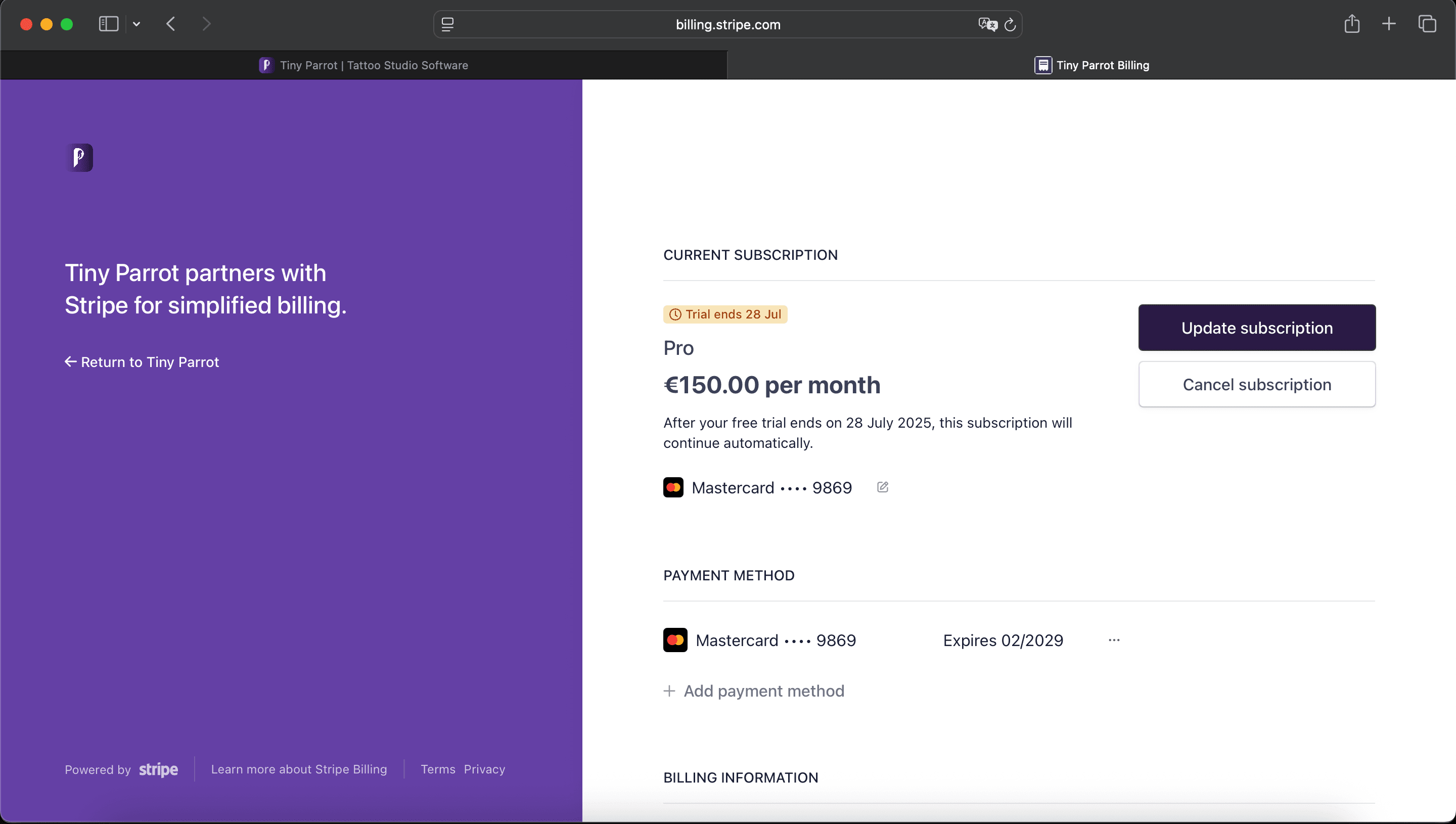
You’ll be redirected to the Stripe portal, which shows your active subscription details.
Click the Update Subscription button.
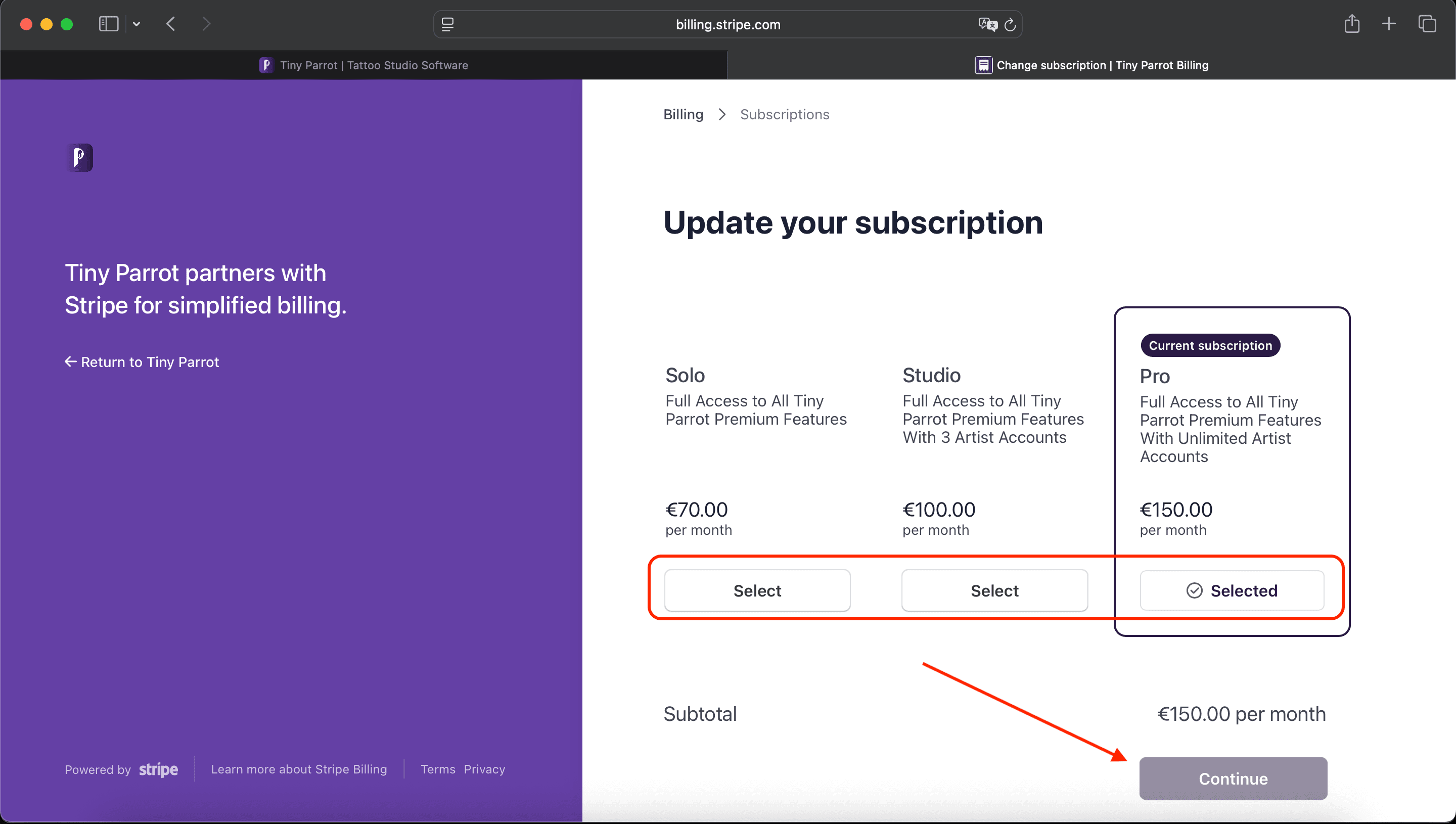
On the next screen, you'll see a list of all available Tiny Parrot subscription plans.
Click Select on the plan you’d like to switch to.
Then, click Continue to confirm your choice.
Congratulations! You’ve successfully changed your Tiny Parrot subscription plan.
Need help? Contact our support team anytime.